Website Creation That Ranks: SEO Structure, Speed, and Bilingual Setup
Plan SEO before design: map pages to searches, build fast with solid Core Web Vitals, and set up Georgian/English URLs with hreflang.
A beautiful website matters, but it’s not the reason you show up on Google—or the reason people call you. Results come when website creation, SEO optimisation, and development fit into a single plan: structure, speed, content, and measurement.
1) Why a pretty site doesn’t bring clients
Website projects often start with design and end with “let’s launch.” Then comes the question: “Why aren’t we showing up on Google?” The reasons are usually straightforward:
- There aren’t dedicated pages for specific searches. For example, if you only have one “Services” page, it’s hard for Google to understand what you’re actually best at: “Accounting services” is one thing, “tax consulting” is another.
- The text is the “we’re the best” kind. People are looking for answers: price, timeline, process, examples, location.
- The website is slow or technically unstable. Images are heavy, fonts block rendering, there are too many scripts. The result: poor page speed and a poor experience.
- There’s no measurement. If Search Console and analytics aren’t properly set up, you can’t see what Google shows you for, which page is underperforming, or where you’re losing traffic.
Our principle at Weblier is simple: design is packaging. Getting “into Google” and moving toward sales comes from structure, tech, and content.
2) SEO starts before development — structure and keywords
SEO optimisation isn’t “we’ll add text later.” In the first week (discovery), we decide two things: site architecture and a keyword map.
How we do this in practice:
- We list pages based on user intent. For example:
- An “online store” page ≠ a “delivery/returns” page ≠ a “product category” page.
- A “pricing” page is often its own query and its own landing page.
- We define keyword phrases for each page. Not 50 keywords on one page, but 1 primary + 3–5 supporting. For example, “website development” can be primary, while “website creation,” “SEO optimisation,” “bilingual website” are supporting—if the page content genuinely addresses those needs.
- We set URL rules in advance. Short, readable, stable. Changing URLs later is already risky (redirects, lost indexing).
Trade-off: more pages means more work for content and maintenance, but often a much more precise match to real searches. One all-purpose page is fast to build, but it rarely “captures” specific queries.
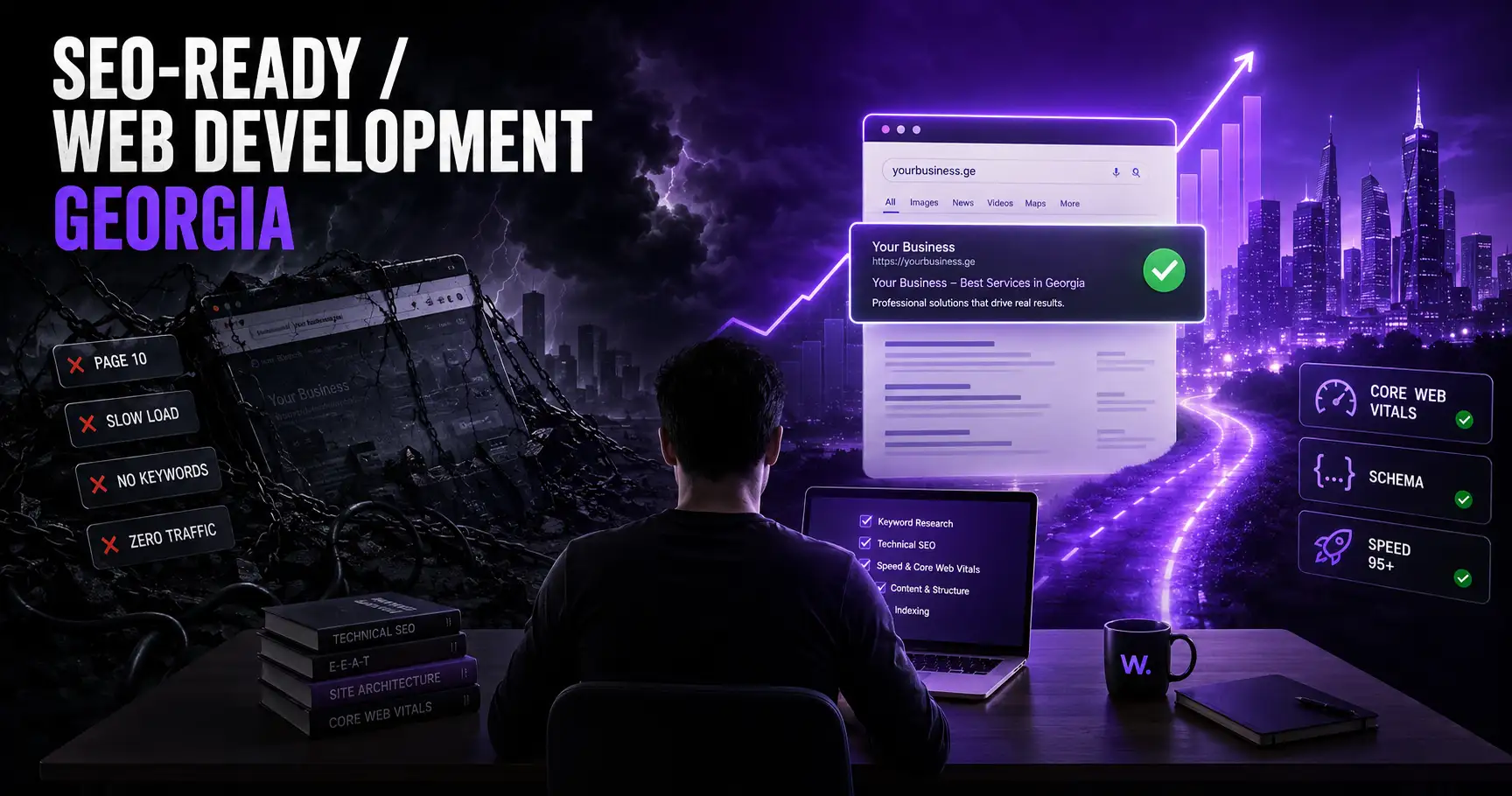
3) The technical foundation: speed, Core Web Vitals, Lighthouse 95+, Next.js SSR
Google needs two things: easy-to-read code and fast loading. “Page speed” isn’t just a buzzword—it directly affects how quickly users see content and how stable the page feels.
What we do technically:
- SSR/hybrid rendering with Next.js. When content is served from the server and the page is ready for indexing, both bots and users get a better experience. Next.js SSR especially helps for services, catalogues, and content-heavy pages.
- A focus on Core Web Vitals. We won’t promise “it will definitely be 100.” The goal is consistently good metrics on real devices. In practice we look at LCP/INP/CLS and go after the easiest wins: a heavy hero image, bad loaders, third-party scripts.
- Lighthouse 95+ as a target, not a guarantee. It’s a good signal, but results often get dragged down by chats/widgets/extra analytics scripts added later. That’s why we agree on rules: what we add and what we don’t.
- Optimisation at the “fundamentals” level: image sizes and formats,
lazy-loadingwhere it makes sense, font-loading strategy, caching, minimal JS.
A concrete example: if your homepage has 3–5MB images “as-is,” even the best design won’t save you. You can achieve the same look at 200–400KB if assets are prepared properly.
4) Bilingual SEO — hreflang, Georgian and English content
In Georgia, a “bilingual website” is practically the default: Georgian users search in Georgian, foreigners in English. If this isn’t set up correctly, Google may:
- treat both languages as duplicates;
- show the wrong language in results.
The minimum technical framework:
- Separate URL per language (for example
/ka/...and/en/...or another clear structure). hreflangtags on every corresponding page: the Georgian page points to the English alternative and vice versa.- Correct canonicals so language variants don’t “eat” each other.
- A sitemap with language pages.
The most common content mistake: the English page is just “translated,” but the service/price/timeline doesn’t match what an English-speaking audience actually asks. For example, foreigners often want to know: do you support international payments, what currency is used, what language support is available. So bilingual SEO isn’t just tags—it’s answers to two different sets of questions.
At Weblier, bilingual builds (Georgian + English) are a standard part of our process, so we bake language structure into the architecture from day one—not as a “we’ll add it later” item.
5) Content structure and internal linking
Google needs clear signals: what the page is about, how it connects to other pages, and where the key information is. Here, “content structure” and internal links often have a bigger impact than simply tweaking meta tags.
What we do at the page level:
- One H1, logical H2/H3. Headings shouldn’t be decoration. For example, a “Pricing” section should actually contain the pricing model—what’s included and what isn’t.
- Specific blocks that answer real questions: process, timelines, risks, required materials, FAQ.
- Intentional internal links. Not “click here,” but for example: from an “online store” page linking to “delivery and returns,” “payment methods,” “category structure.” This helps both users and indexing.
- The network effect: link from a blog post to the relevant service and back. If you write about “getting into Google,” it’s natural to link to your “website development” service page (on your site)—and that tells Google the topics are connected.
Trade-off: a very long page sometimes ranks well, but reads poorly. So we choose: either we create a long “guide” page with good navigation, or we split it into several clear pages and tie them together with internal links.
6) What we do after launch — Search Console, analytics
Launch isn’t the finish line. In practice, SEO optimisation starts working when data starts coming in.
A minimum post-launch checklist:
- Google Search Console
- property verification
- submit the sitemap
- check indexation statuses (Coverage/Pages)
- “Queries” and “Pages”: what people find you for and which page deserves strengthening
- Analytics (GA4 or an agreed alternative)
- key events: form submission, call (if you track it), calendar booking (if you have one)
- UTM rules for ads/social so channels don’t get mixed
- Technical hygiene
- monitor 404s and add redirects where needed
- find duplicate meta tags and titles
- validate Core Web Vitals with real-world data (not just lab tests)
Here’s the key point: if you see people finding you for “website development pricing,” but your “Pricing” page only says “contact us,” that’s an easy gap to fix. It’s exactly these small but real changes that drive progress.